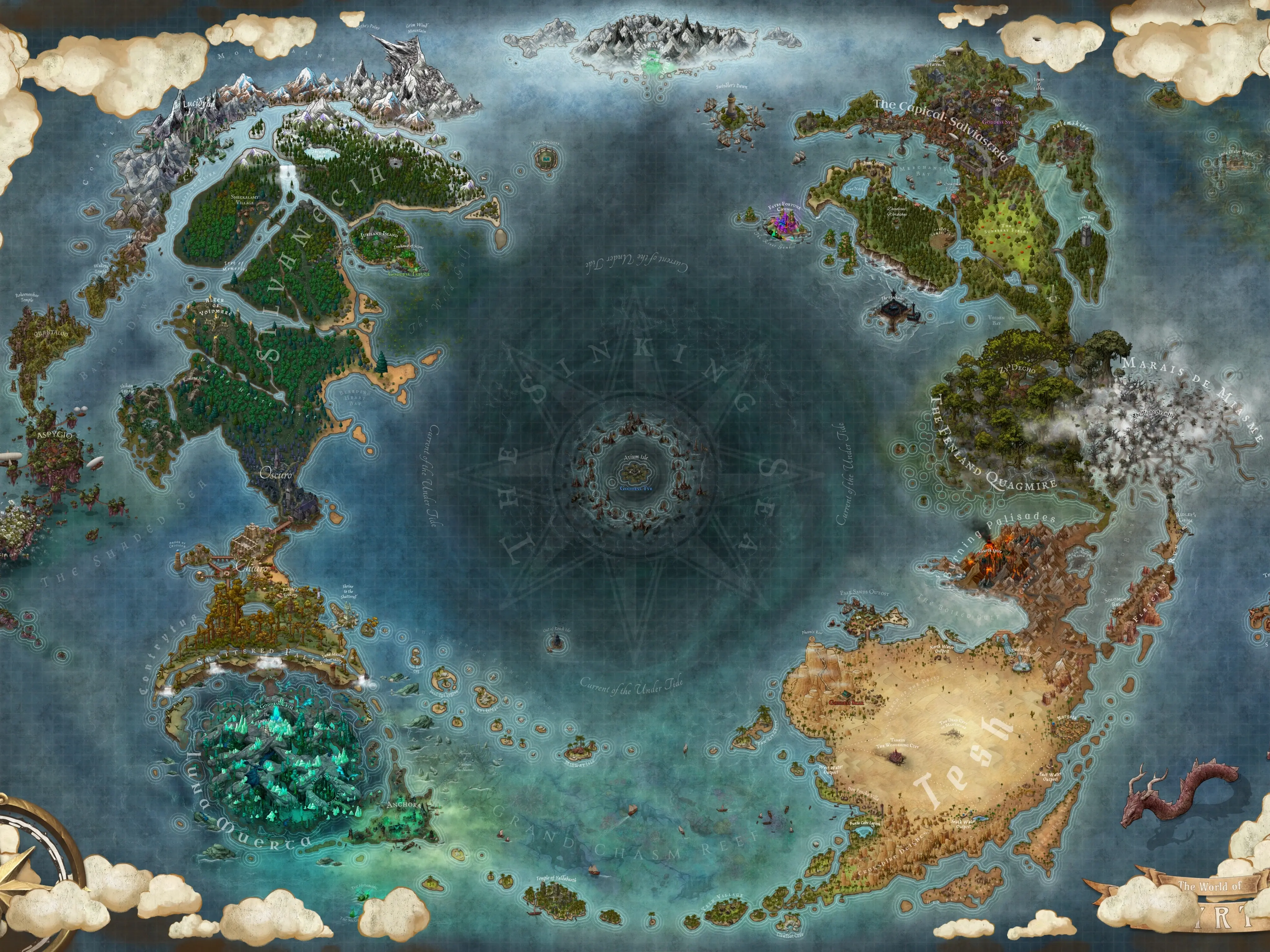
Background 1

Updates

Inkarnate 2.0 ⭐

12/8/2025

Inkarnate 2.0 is here! 🎉

This is our biggest update yet, packed with powerful features, stunning new art, and long-awaited tools that unlock a whole new level of creativity. This massive overhaul brings over 4,600 new and reworked assets across the platform, with something for every kind of mapmaker.

Dive into the future of mapmaking with a platform that’s richer, more convenient, and more creative than ever before.


What’s New in Inkarnate 2.0

Art Front 🎨
⭐ Inkarnate Marketplace
⭐ Battlemaps Classic Style
⭐ Fantasy Regional: Classical Empires
Fantasy Regional: Effects
⭐ Fantasy Battlemaps: Dwarven
⭐ Watercolor Cities: Dwarven
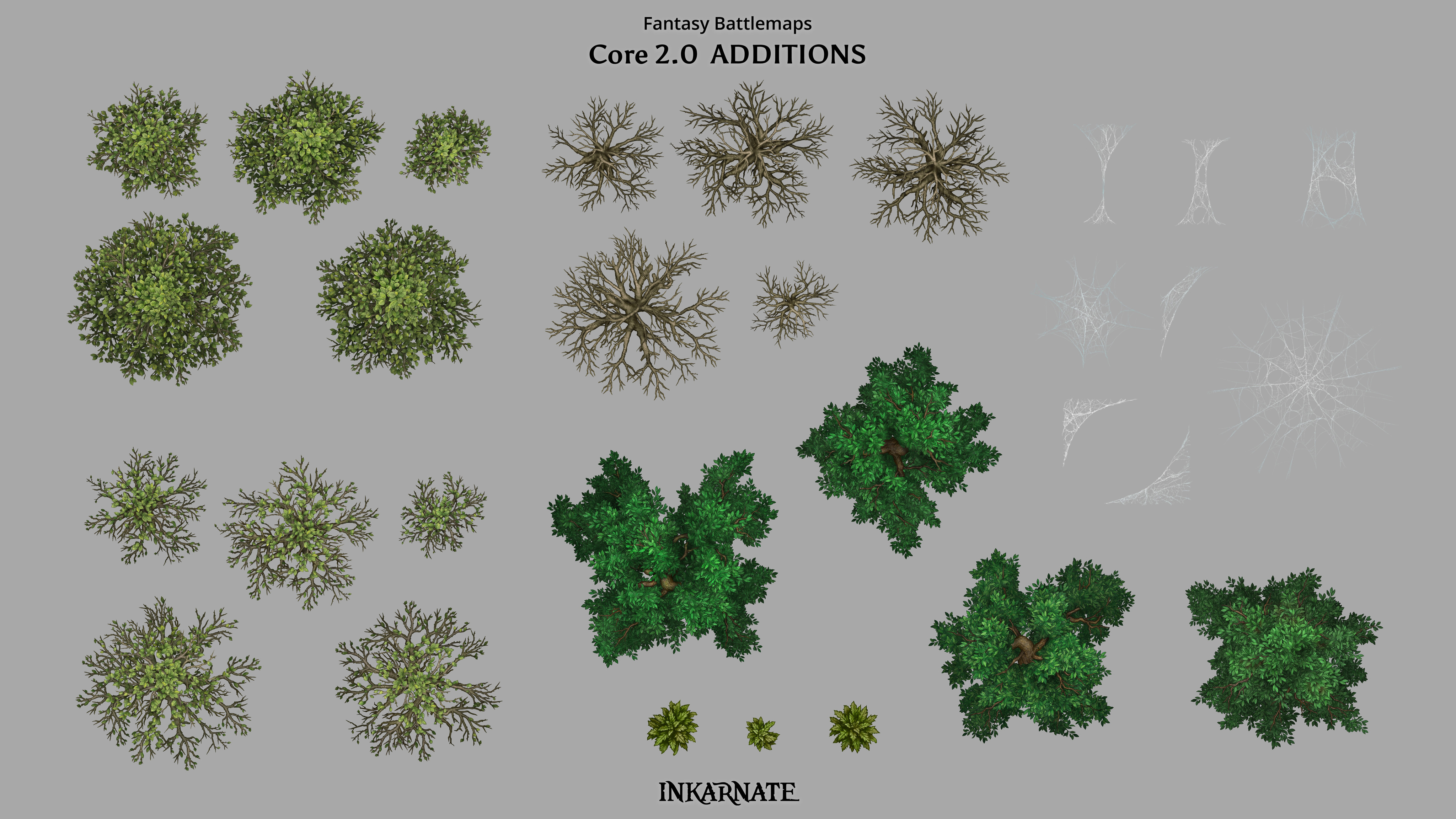
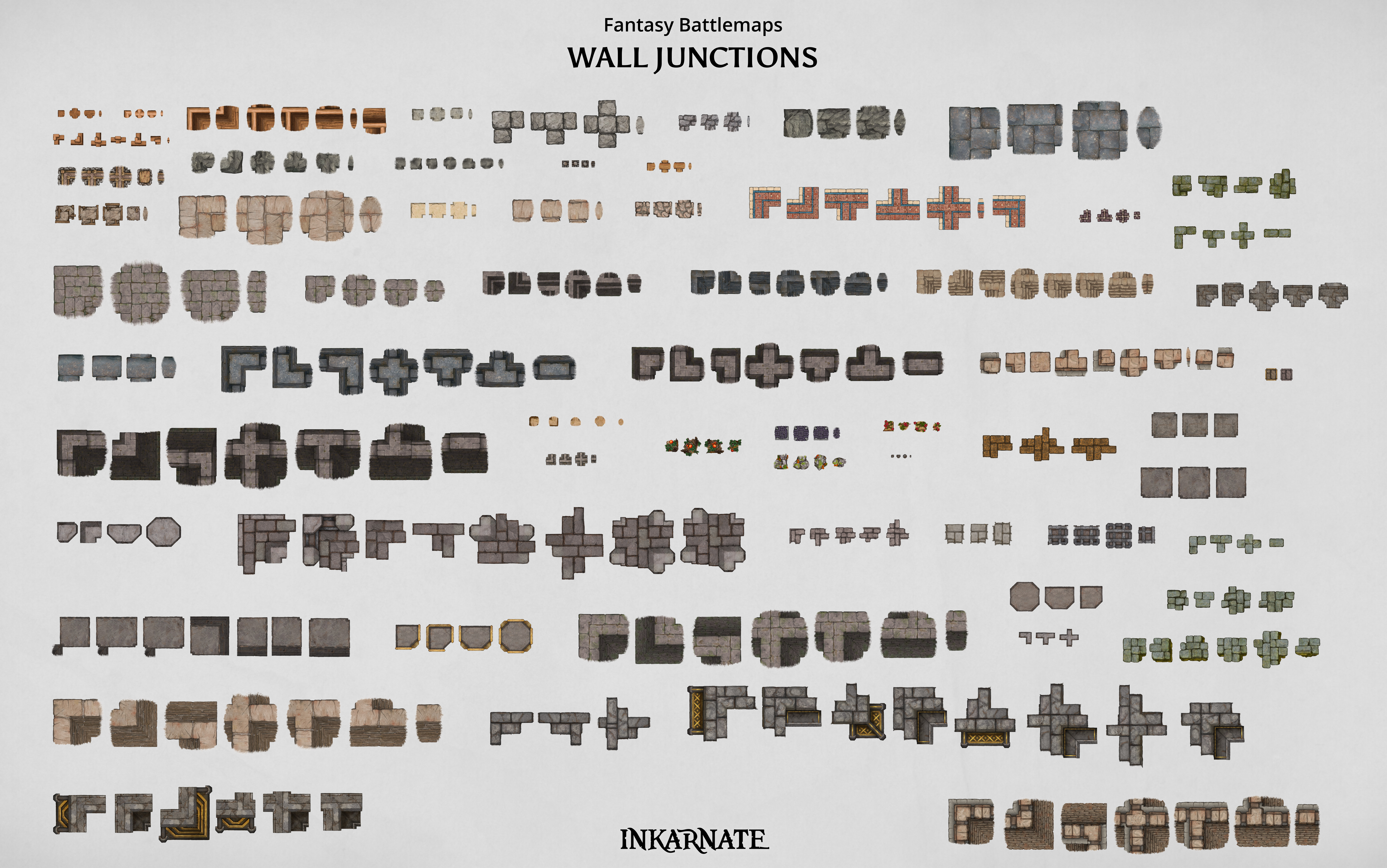
⭐ Additions to Fantasy Battlemaps Core Packs
⭐ Free-plan Art Expansion

Development Front ⚙️
⭐ Scene Stamps
⭐ Custom Layers
⭐ Autosave
⭐ Brush Tool 2.0
⭐ Copy & Paste Objects Between Scenes
⭐ New Refined Interface


Art Front 🎨


Inkarnate Marketplace

Get ready for a vibrant marketplace where artists can showcase and sell their unique custom art. This new feature will enrich the Inkarnate community with a vast array of diverse styles and assets.

In addition to asset packs, the Marketplace will also be a source for high-quality maps. 

In this initial launch, the Marketplace Artists will be invite-only, and soon we will open it up for applications.

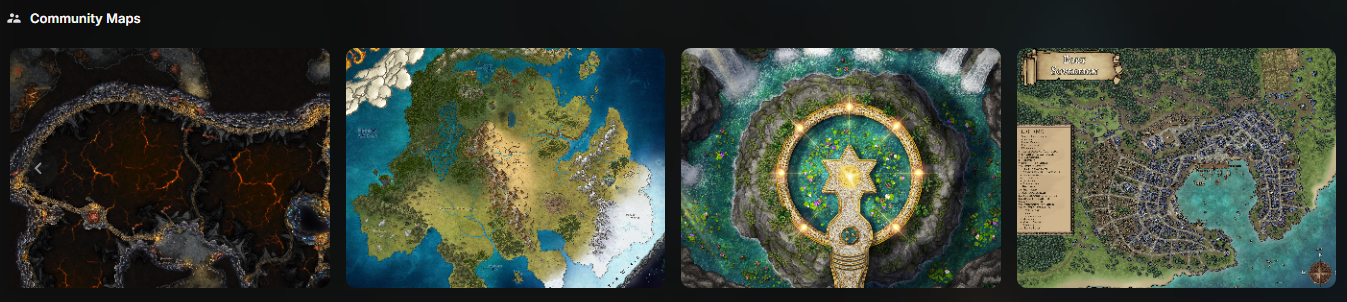
Here are just a few highlights of the amazing art that you can already find in our Marketplace.
 

 Forgotten Adventures

Gabriel Pickard

PeaPu


Battlemaps Classic Style

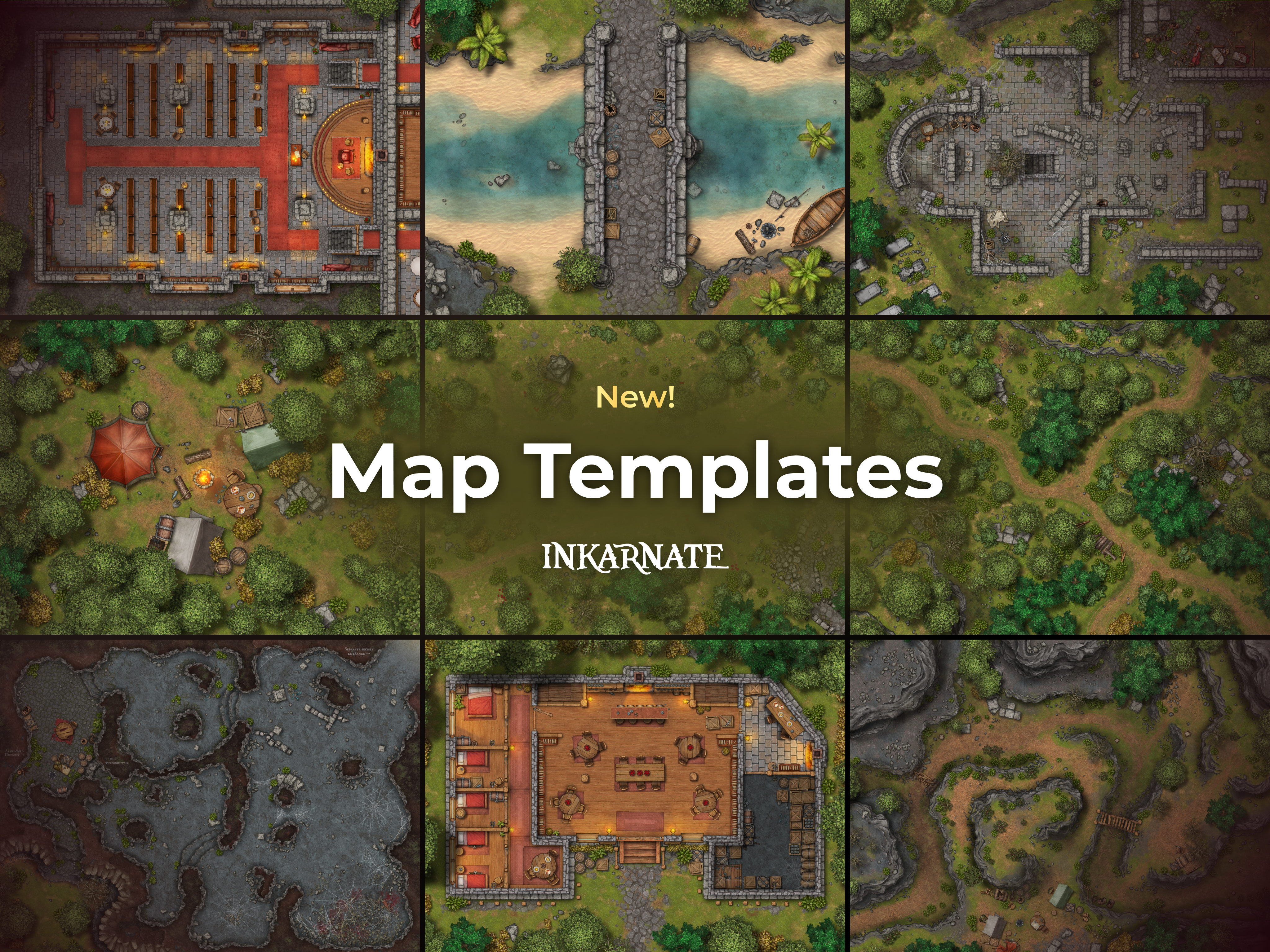
A simple and classic new style for mapmakers who want something quick, easy, and print-friendly!


Fantasy Regional: Classical Empires

Transport your maps to the grandeur of ancient empires with our new Classical Empires pack for Fantasy Regional Style!

Build the wonders of ancient civilizations with an array of new tools: from grand temples and coliseums to elegant arches and aqueducts, and from lush gardens and marketplaces to stone walls and tiled roofs. These stamps are perfect for crafting majestic cities and timeless empires! 🏛️

The pack also includes modular pieces so you can make your own structures.

Map by Florian Herlan on our Explore page


Fantasy Regional: Effects

This new pack adds over 65 high-impact effect stamps to the Fantasy Regional style, giving you more ways to bring magic and motion to your maps.

From glowing arcane circles and ominous tornadoes to crashing waves, lightning strikes, auroras, explosions, and more, these assets are perfect for marking events, or simply giving your map a more dynamic atmosphere.


Fantasy Battlemaps: Dwarven

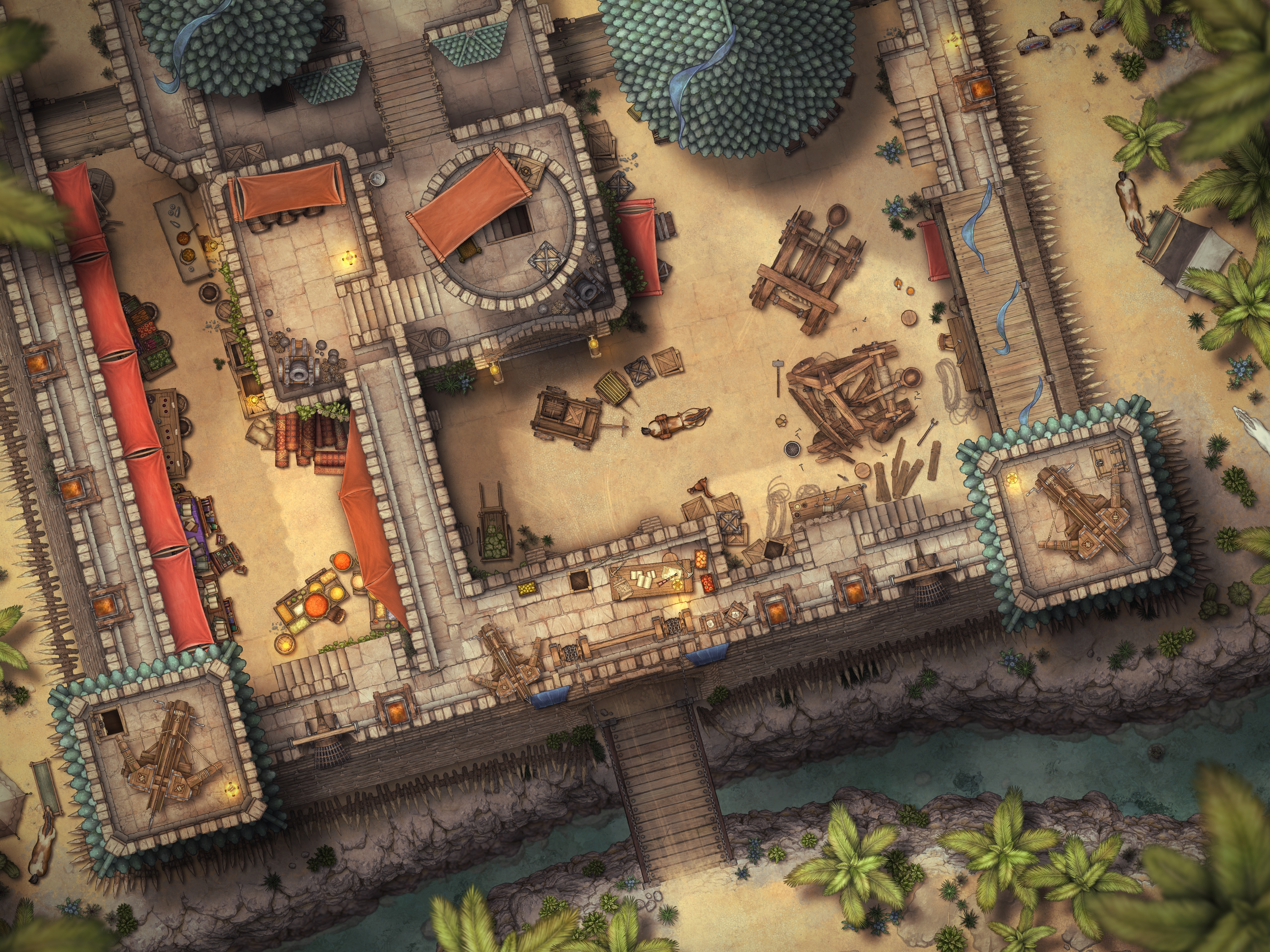
Unleash dwarven ingenuity with our new Dwarven pack in Fantasy Battlemaps style! ⚒️

Shape rugged mountain fortresses with carved stone textures, monumental arches, reinforced gates, and powerful forges. Bring your maps to life with tools, anvils, barrels, and intricate statues, perfect for crafting workshops, mines, and strongholds that showcase dwarven craftsmanship.


Watercolor Cities: Dwarven

Capture the fiery heart of dwarven civilization with our new Dwarven pack in Watercolor Cities style!

Design sprawling cities powered by glowing lava rivers, adorned with noble residences, ornate facades, and market stalls. Use stone bridges, fortified buildings, and dwarven runes to build vast urban hubs teeming with dwarven character and architectural excellence. 🛠️


Many Additions to Fantasy Battlemaps Core Packs

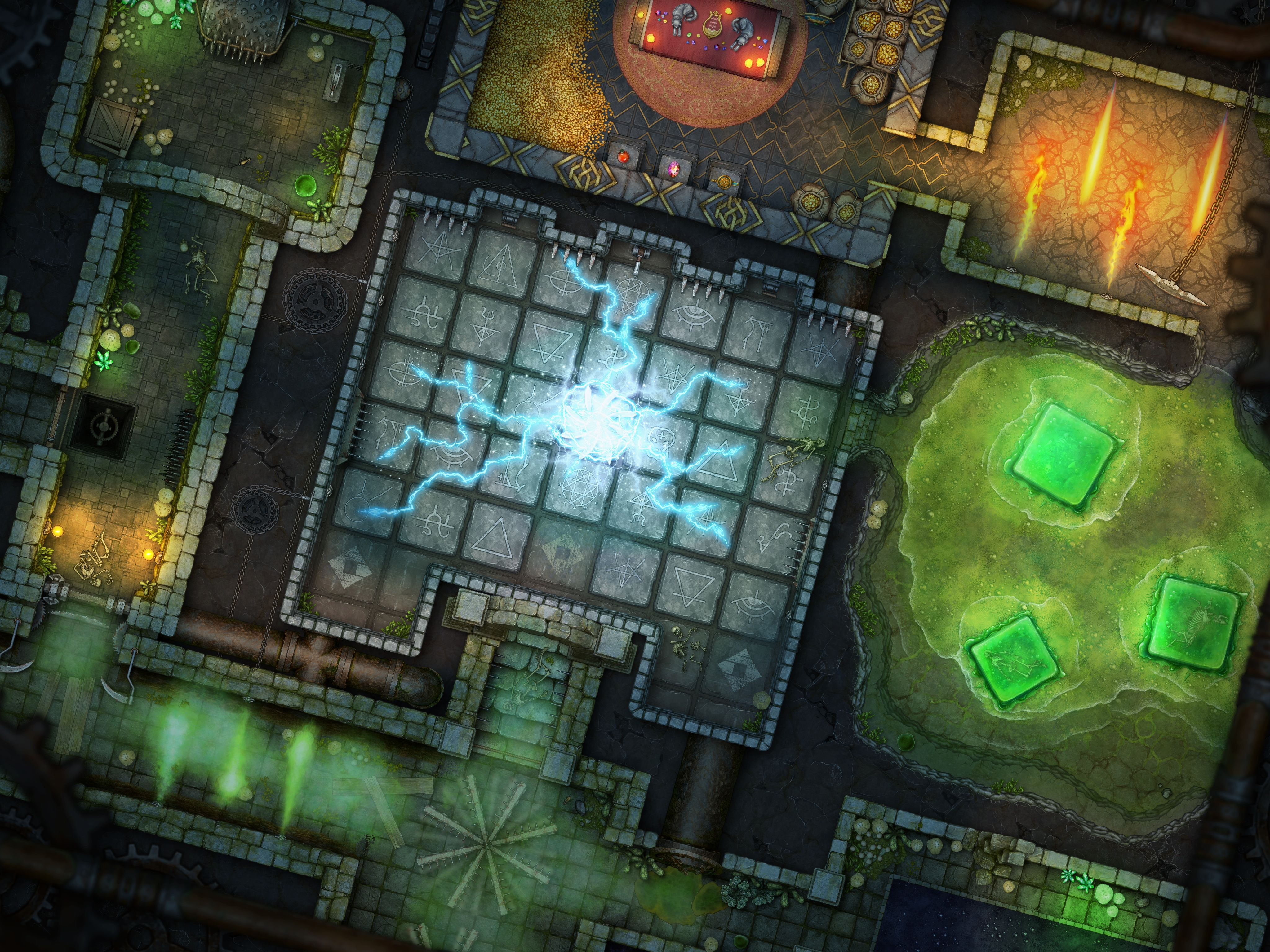
In Fantasy Battlemaps, in addition to the new Dwarven pack, we’re rolling out a major update, featuring over 2200 asset revisions and brand-new assets!

This update expands and enhances beloved packs like Castle, Dungeon, Camp, and Tavern, giving you more creative tools than ever to craft immersive and detailed battle maps.


Free-plan Art Expansion

We’re also expanding the Free Plan with over 500 new assets across all available map styles. Every mapmaker gets more to create with.

New Assets:
Fantasy World: 188
Fantasy Battlemaps: 135
Watercolor Cities: 134
Fantasy Regional: 45


Development Front ⚙️

Alongside all the new art, Inkarnate 2.0 also brings a wave of powerful new features to the editor!
These tools are launching in Beta, which means they’re already functional and ready to use, but we’ll continue refining them based on your feedback. Expect improvements, polish, and new possibilities in the months ahead as we keep building on this foundation.


Scene Stamps

This feature lets you take any custom structure or scene you’ve built — multiple stamps, textures, and all — and turn it into a reusable asset that you can drop into any map, anytime.

Perfect for castles, towns, market layouts, or anything you use often.

Build once. Use forever.


Custom Layers

This update completely reworks how layers function. You can now create and remove layers, reorder them using drag-and-drop, and rename them. Layers are displayed in a dedicated panel next to the object list, which you can collapse into a thin, icon-only view for convenience. With right-click, you can open a context menu with all actions.

New Layer Features

  • • Masks: Every layer can have its own mask with customizable effects. You can toggle masks on or off for flexibility. Masks are now edited with the Brush Tool to provide a more familiar image editing experience.
  • • Clip Masks: Clip masks now have two modes of operation, customizable in the layer settings:
    •      ➤󠁯 Nearest Brush Layer Below: The texture of the nearest brush layer below the object layer is rendered "under the stamp" (old behavior).
    •      ➤󠁯 Erase: This erases any stamps in the same layer and reveals anything below.
  • • Transparency: Brush layers can now be erased to create transparent backgrounds, making them suitable for PNG exports and web-based usage.
  • • Blend Modes: Layers now support blend modes. However, when an object layer has a blend mode, the blend mode setting for stamps persists but is not rendered. Instead, the layer's blend mode is applied to all stamps within that layer.
  • • Layer Shadows: Each object layer now has its own layer shadow settings, allowing you to customize the appearance of shadows on a per-layer basis.
  • • Land Tool (formerly Mask Tool): For world maps, we’ve rebranded the Mask Tool to the Land Tool.
  • • Special Highlight: With custom layers, you can now create multiple land shapes, each with distinct mask effects, unlocking greater flexibility in terrain design.


Changes to Existing Tools

  • • Grid Tool: The grid tool has been removed, and all grid properties have been moved to grid layers. Each grid layer can have unique settings. Only one grid layer can be designated as the main grid (changeable), which is required for snapping functionality.
  • • Filter Tool: The filter tool has been removed. Instead, you can now add filters as individual layers.


Compatibility

  • • For existing scenes, an opt-in option is provided, allowing you to enable the new layer system on a per-map basis. To enable this feature, open the top left editor menu and select "Enable Custom Layers Feature."
  • • New scenes automatically use the new custom layers
feature.


Some Highlighted Possible Features

  • • Add filters above the top layer.
  • • Only apply filters in certain areas.
  • • Erase part of a stamp with clip masks without needing to consider the texture below.
  • • Brush on top of objects for shading and place objects above these.
  • • Have the grid only visible inside the dungeon.


Autosave & Snapshots

The Autosave feature eliminates the need for manual saving, automatically saving your scene every few seconds.

Notes:
• Full command history is always visible, and undoing actions is quicker.
• Currently, you can enable/disable the Autosave feature by clicking on the Autosave icon.
• We removed the regular save button (when Autosave is enabled), but you can still manually save from the main editor menu.
• Autosave happens asynchronously, meaning there is no delay or waiting time while it saves.
• This feature is available for all users, including Free plan users.

New Concept: Snapshots

Save a point in history to easily return to. Snapshots allow you to revert to an older state, letting you experiment freely without making permanent changes. (Limited to a single snapshot per map for the Free Plan, and unlimited for Creator and Studio.)


Brush Tool 2.0

The Brush Tool 2.0 is here, bringing more control, flexibility, and customization to texture painting! Pen pressure support now applies to all brush properties (not texture properties like hue or scale), giving you dynamic strokes for more natural blending. The UI has been restructured, with advanced settings moved to easily accessible modals and new sub-tools like the Mask Tool.

Plus, we’re introducing a brand-new Brush Shape asset type, allowing you to use any Stamp as a custom brush shape, unlocking endless creative possibilities! Custom brush shapes can be added via custom stamps.

For existing scenes, feature needs to be enabled manually by clicking the Custom Layers feature from the top left editor menu. (Works only on scenes with no unsaved changes)


Copy & Paste Objects Between Scenes

You can now copy any selection of objects from one scene and paste it into another with ease.

This feature takes your selected objects (including stamps, text, shapes, and more) and turns them into a unique string stored in your clipboard. Simply paste that string into the canvas of any map to recreate the entire selection exactly as it was.

Perfect for reusing setups and duplicating complex layouts.


New Refined Interface

We’ve given Inkarnate’s UI a fresh new look, with a sleek, darker theme for a more premium feel. Plus, we’ve revamped the slider design, now spanning the full width for greater precision and smoother control over your map adjustments.


We couldn’t have reached this milestone without you. Your creativity, support, and feedback mean the world to us, and we’re beyond excited to see how you bring these new tools and art packs to life in your maps. Thank you for being part of this amazing journey.

Happy map-making, and here’s to many more adventures together! 🙏

More Early Access Additions for Studio Plan!

12/1/2025

If you're a Studio Plan subscriber, you’re getting early access to several packs and features ahead of the official 2.0 launch on December 8. Explore what’s already available and start using the new tools, art, and improvements before anyone else.

Starting today, you can explore even more brand-new additions:
⭐ Battlemaps Classic Style
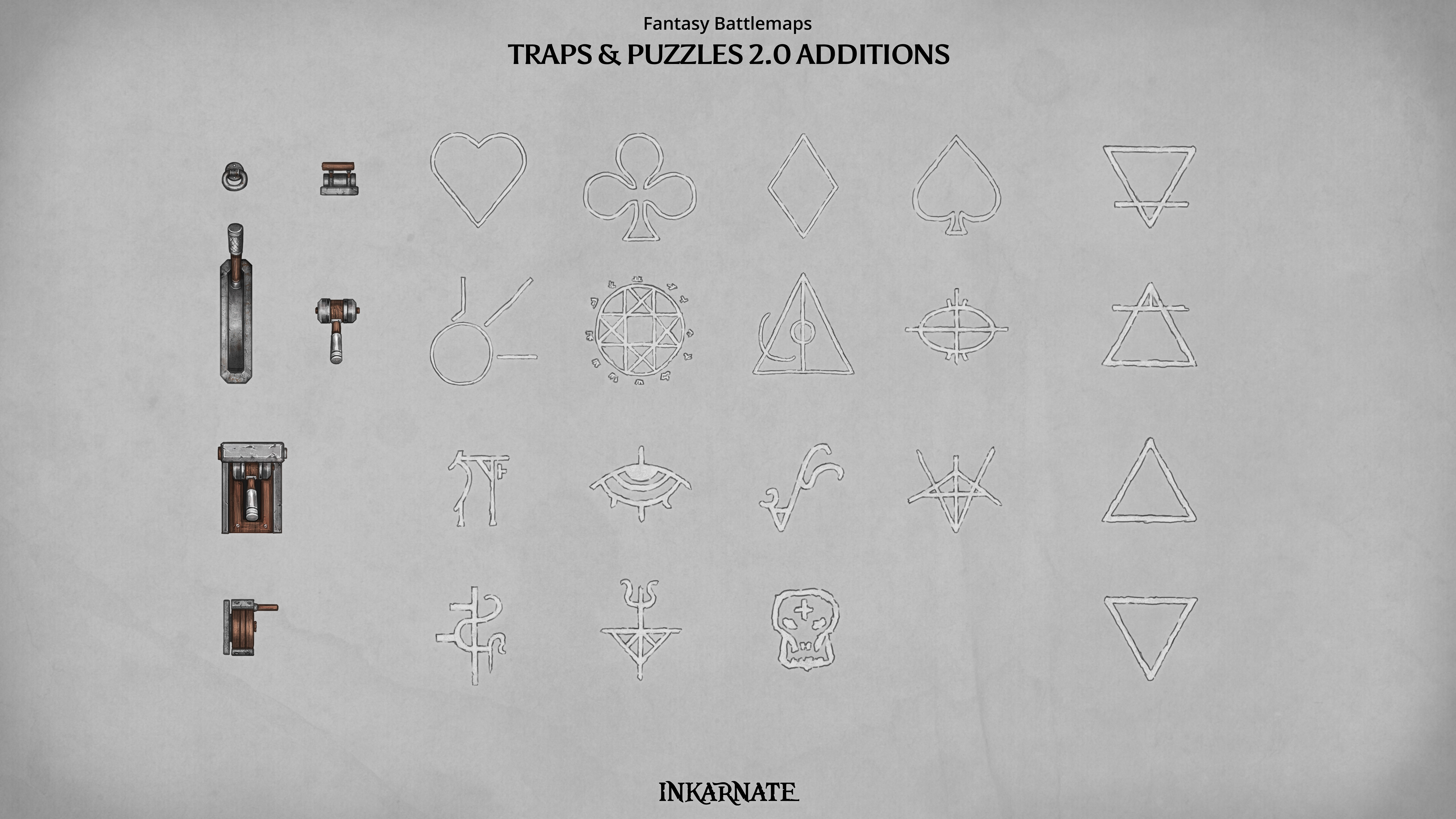
⭐ Additions to Fantasy Battlemaps Core Packs (Sewers, Terrain, Traps & Puzzles, Treasure, Weapons and Armor)
⭐ Watercolor Cities: Dwarven
⭐ Fantasy Regional: Effects
⭐ New Feature: Custom Layers
⭐ New Feature: Brush Tool 2.0

These are on top of the already mentioned parts:
⭐ Fantasy Regional: Classical Empires
⭐ Fantasy Battlemaps: Castle
⭐ Fantasy Battlemaps: Market
⭐ Fantasy Battlemaps: Camp
⭐ New Feature: Copy & Paste Objects Between Scenes


Battlemaps Classic Style

This is a simple and classic new style for mapmakers who want something quick, easy, and print-friendly!


Many Additions to Fantasy Battlemaps Core Packs

In Fantasy Battlemaps, we’re rolling out a major update, featuring over 500 asset revisions and brand-new assets!

This update expands and enhances beloved packs like Sewers and Treasure, giving you more creative tools than ever to craft immersive and detailed battle maps.


Watercolor Cities: Dwarven

Capture the fiery heart of dwarven civilization with our new Dwarven pack in Watercolor Cities style! 🛠️

Design sprawling cities powered by glowing lava rivers, adorned with noble residences, ornate facades, and market stalls. Use stone bridges, fortified buildings, and dwarven runes to build vast urban hubs teeming with dwarven character and architectural excellence.


Fantasy Regional: Effects

This new pack adds over 65 high-impact effect stamps to the Fantasy Regional style, giving you more ways to bring magic and motion to your maps.

From glowing arcane circles and ominous tornadoes to crashing waves, lightning strikes, auroras, explosions, and more, these assets are perfect for marking events, or simply giving your map a more dynamic atmosphere.


Custom Layers

This update completely reworks how layers function. You can now create and remove layers, reorder them using drag-and-drop, and rename them. Layers are displayed in a dedicated panel next to the object list, which you can collapse into a thin, icon-only view for convenience. With right-click, you can open a context menu with all actions.

Feature needs to be enabled manually via the top left editor menu. (Works only on scenes with no unsaved changes)


Brush Tool 2.0

The Brush Tool 2.0 is here, bringing more control, flexibility, and customization to texture painting! Pen pressure support now applies to all brush properties (not texture properties like hue or scale), giving you dynamic strokes for more natural blending. The UI has been restructured, with advanced settings moved to easily accessible modals and new sub-tools like the Mask Tool.

Plus, we’re introducing a brand-new Brush Shape asset type, allowing you to use any Stamp as a custom brush shape, unlocking endless creative possibilities! Custom brush shapes can be added via custom stamps.

Feature needs to be enabled manually by clicking the Custom Layers feature from the top left editor menu. (Works only on scenes with no unsaved changes)


That’s all for now from the upcoming 2.0 release, but Studio members will continue to receive early access to new content and features beyond the launch.


Save up to 50% with our Launch Offers

If you're on a Free plan, upgrade to a paid plan before the new year to lock in your discounted rate for as long as your subscription stays active.

Upgrade Now to Lock in Launch Offer

Maptober 2025 - An Inkarnate Challenge

9/30/2025

Jake Parker created Inktober in 2009 as a challenge to improve his inking art skills and develop positive drawing habits. It has since grown into a worldwide endeavor with thousands of artists taking on the challenge every year.

October's here, and we decided to run our own version of the challenge.

31 Days - 31 Maps!

Maptober Rules

1) Make a map in Inkarnate according to the theme of the daily prompt
2) Share it on social media, or our discord server in the ⁠🖼map-gallery channel with the tag EVENTS)
3) Use the hashtags #maptober and #maptober2025 for social media posts
4) Repeat!

You can do that daily, every other day, or even once a week. Just try to be consistent with it. Maptober is a challenge for improving your Inkarnate skills.
 
We are looking forward to seeing your maps!


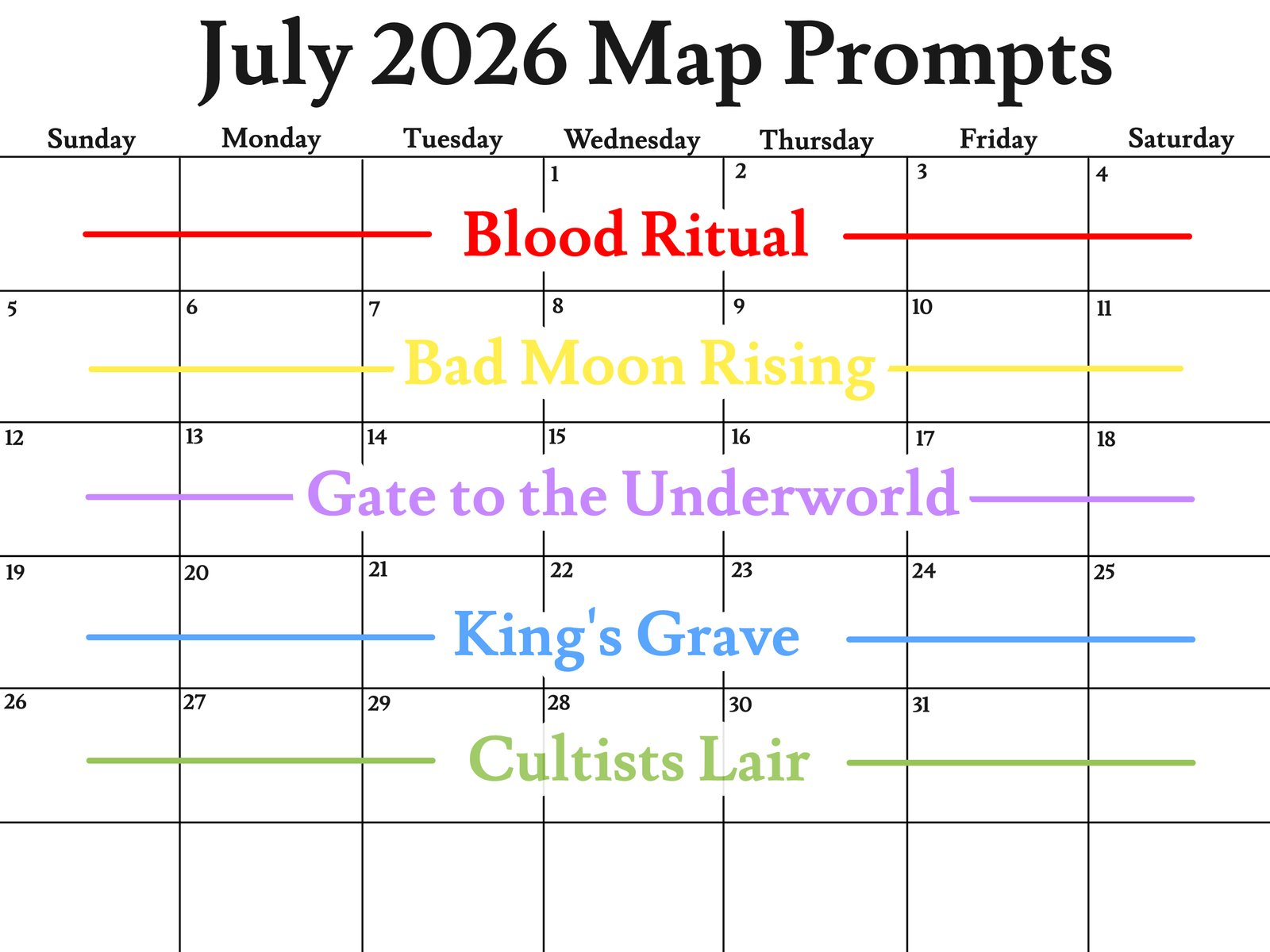
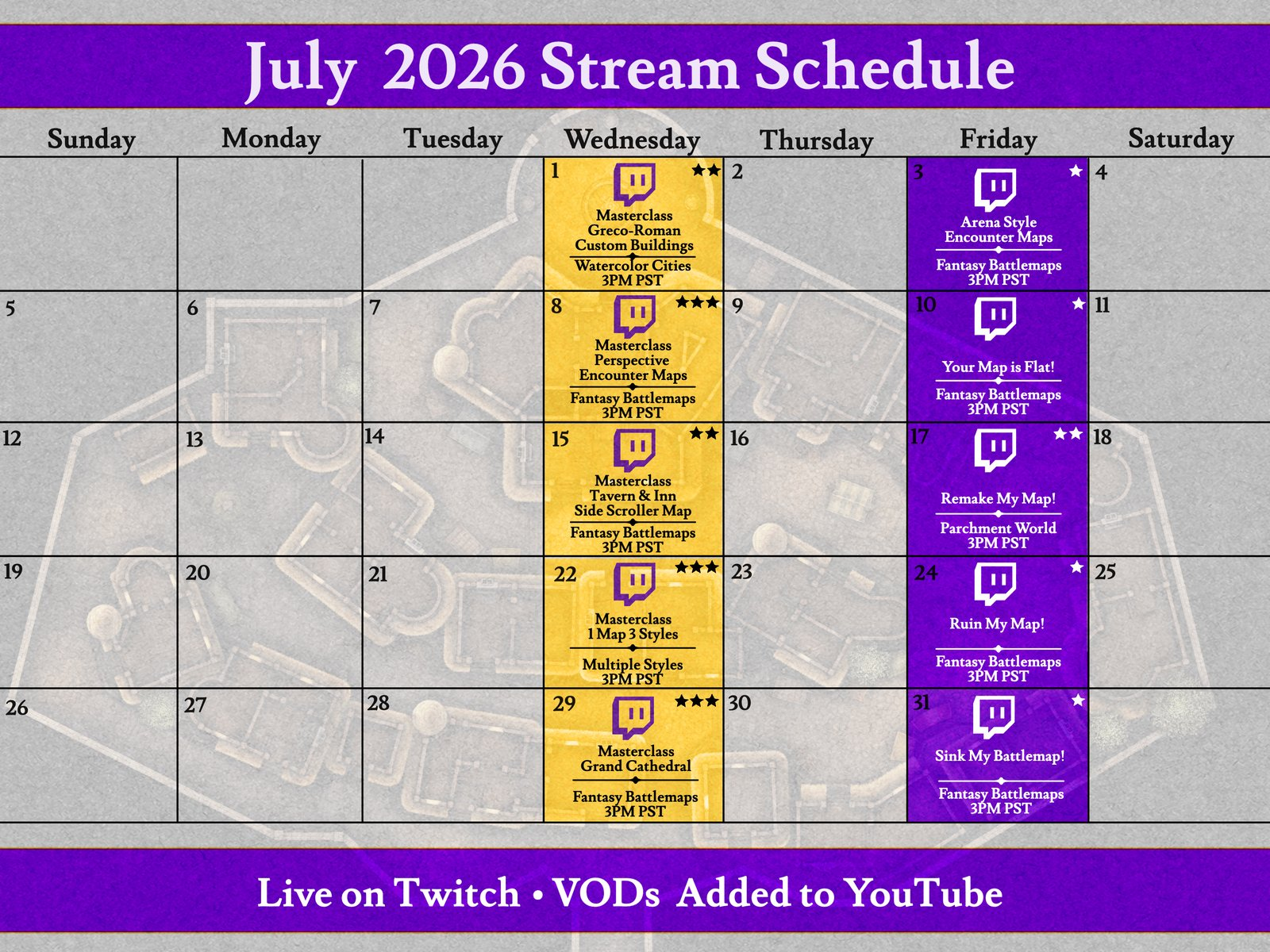
Also, here's the schedule for Inkarnate streams this October. 🎥

Creating Epic World Part 3

11/8/2024


Today Friday, November 8th, at 3 pm PST we will be doing our "Creating an Epic World Part 3" stream on Twitch.

In today's stream, we will continue adding mountain ranges via the tectonic plate method. We will be adding more cliffs and we will be showing users how to use the edgy brush when adding textures. Come join us!

After the stream, it will be uploaded to our YouTube channel

If you're part of our Discord server don't forget to add yourself to the attendance list.
 

Upcoming World-Building Workshops on Discord! 🌍

10/31/2024

Ready to create your own world map from scratch? Join Philipp on our Discord server as he hosts a brand-new workshop series focused on world-building! In these sessions, you’ll learn step-by-step techniques to design an intricate world map using our Fantasy World style. Whether you're just starting or looking to refine your map-making skills, this is for you!


Workshops Overview:

  • Continent shape
  • Defining mountain ranges & tectonic plates
  • Adding islands
  • Defining biomes with wind and water flow
  • Adding mountains
  • Adding forests
  • Details
  • Brushing
  • Finishing touches & filters

(Depending on how far we come)

This series is designed for all skill levels and will be hands-on, letting you create alongside Philipp. We'll be using our Fantasy World style, but the same process can be applied with our Parchment World style, so feel free to use either!

You’re welcome to actively participate in the map creation process or simply watch and enjoy the process.


Dates & Details:

The first two workshops are planned, with more to come based on interest.


Both workshops will be hosted live on our Discord server

Make sure to join us for this interactive and creative journey!


PS: Want to get a taste of Philipp’s work? Check out these sample maps to see the kind of creations you’ll be making together.

Badges, Explorers and Champions

10/10/2024

We’re excited to bring you some major updates, including new ways to showcase achievements and opportunities for early access. These changes are designed to reward our most active users and offer even more ways to get involved in shaping the future of Inkarnate.

Introducing Achievements and Badges!

We’re rolling out a new badges feature that highlights special achievements on your profile. We're launching the following achievements / badges now:

  • Champions: For our top users who help shape Inkarnate.
  • Explorers: For those participating in early access testing and feedback.
  • Contest Winner: Awarded to users who win our map-making contests.
  • Featured: Given to users with a map featured on our explore page.

We will be adding even more exciting achievements and badges in the future, so stay tuned for more!

Join the Inkarnate Explorers!

Many of you have asked for early access to new features and art—now’s your chance! We’re forming the Explorers group, a team of active users who will gain early access to new tools, features, and art, and provide valuable feedback in exclusive Explorers channels on our Discord.

Explorers will be selected for each season. There will be 4 seasons per year:

  • Winter: Dec 1
  • Spring: Mar 1
  • Summer: Jun 1
  • Fall: Sep 1 (this starts today)

At the beginning of each season we will select the new members based on activity.

As an Explorer:

  • Get early access to new features and art
  • Receive a badge on your profile
  • Provide feedback that helps shape features and art before public release

We’re looking for users who are active in the community, regularly publish their work on their Inkarnate profile, and are engaged with the community on Discord. You should be open to exploring all the styles and features Inkarnate offers.

How to Apply?

Fill out this form: https://forms.gle/tZh6o2kNXnfH6QJZ7

Introducing Champions!

The existing Early Access group is evolving—meet the Champions, a handpicked selection of the most skilled and active Inkarnate users. Champions are chosen based on their exceptional contributions to the community and their ability to help shape Inkarnate’s future. Like the Explorers, Champions will follow a 4-season system.

Selection criteria for Champions:

  • Exceptional map quality: Creating and publishing maps of the highest level of quality.
  • Community involvement: Staying active on platforms like Discord, Reddit, or social media.
  • Professionalism: Maintaining a positive and constructive attitude in all interactions.

Champions will also receive alpha access to in-development features and art, allowing them to be part of the creative process early on.

To help Champions give back to the wider community, we’ll host events like live streams and interviews, where everyone can engage with Champions, learn from them, and connect more closely—helping everyone to level up their skills.

New Bug Fixes & Improvements ⚙️

10/3/2024

v1.41.0

We've released some new features, and quality-of-life improvements!


New Features

  • Unsubscribe Feedback Survey: We've introduced a voluntary survey to collect feedback from users who choose to unsubscribe. These insights will help us continue improving the platform and enhancing your experience
  • Added new [stroke] and [cap] meta to automatically create stroke assets on upload. Both filenames need to be the same, otherwise the assets will not link correctly (e.g., my_stroke[stroke].png and my_stroke[cap].png)

Bug Fixes

  • Fixed pasting into text tool not working
  • Fixed pasting to minimize the select tool
  • Fixed bulk editing in the Art Manager to uncheck „Hide in Catalog“ for assets linked to stroke assets
  • Fixed being able to click outside the asset upload modal which caused the modal to close

Maptober 2024 - An Inkarnate Challenge

10/1/2024

Jake Parker created Inktober in 2009 as a challenge to improve his inking art skills and develop positive drawing habits. It has since grown into a worldwide endeavor with thousands of artists taking on the challenge every year.

October's here, and we decided to run our own version of the challenge.

31 Days - 31 Maps!

Maptober Rules

1) Make a map in Inkarnate according to the theme of the daily prompt
2) Share it on social media, or our discord server in the ⁠🖼map-gallery channel with the tag EVENTS)
3) Use the hashtags #maptober and #maptober2024 for social media posts
4) Repeat!

You can do that daily, every other day, or even once a week. Just try to be consistent with it. Maptober is a challenge for improving your Inkarnate skills.
 
We are looking forward to seeing your maps!


Also, here's the schedule for Inkarnate streams this October. 🎥

Community 2.0 - Major Discord Overhaul 🚀🚀🚀

9/26/2024

We’re thrilled to unveil our newly updated Inkarnate Discord server, designed to supercharge your creative experience and bring a fun, fresh and welcoming atmosphere to your favorite map-making community!

This revamp not only introduces a host of exciting Discord Community features, but also brings a fresh focus on fostering a warm and welcoming space. We’re making sure that everyone, from mapmaking veterans to first-time creators, feels right at home. We’ve structured the server to be both engaging and easy to navigate, with a more playful and supportive vibe at its core. From enhanced channels to interactive polls and events, we aim to create an atmosphere that’s as dynamic and collaborative as your imagination.

We’ve poured our hearts into creating a space that’s not just about mapping, but about building connections and having fun.

Don’t miss out—join the conversation and become part of the adventure today!

Join our Discord

Catalog Restructure & Water Additions 🐟

9/18/2024

We're currently working on some big improvements to our catalog system to make finding and using assets easier and smoother. During this time, you may notice a few temporary disruptions, but hang tight—great things are on the way!

To make the wait a bit sweeter, we've just released some new aquatic assets! 🦀 These have been added to the existing "Sea: Ocean & Life" pack (formerly Water pack) in the Fantasy Battlemaps style.

Dive in and explore the new art while we continue to refine your experience.


New Stamps


Thank you for your patience and support!

Launch offers until January 5!
8:02:39:05

Lock in up to 50% discount before January 5th!

Keep your discounted price for as long as your subscription remains active.
Monthly
Save 7 monthsYearly

Hobby

Free
For beginners exploring the art of mapmaking.
1K+ HD Art Assets
Export at 2K
2K Editor Resolution
Personal Use
3 Maps

Creator

Most Popular
$39.99
$25USD /year
Everything you need to start your mapmaking journey.
54K+ HD Art Assets
Export at 8K
4K Editor Resolution
Personal Use
100 Maps
100 Custom Assets
Regular Art Updates
Clone Maps from Explore

Studio

$79.99
$40USD /year
Commercial use & unlimited maps for ambitious creators.
54K+ HD Art Assets
Export at 16K (Beta)
4K Editor Resolution
Commercial Use
Unlimited Maps
10,000 Custom Assets
Regular Art Updates
Clone Maps from Explore
Art Manager
Early Access
*All prices in USD. Taxes (e.g. VAT, GST, or sales tax) may apply depending on your location.